

Build it once, schedule it, and your Monday report writes itself. Works on the connectors you already have.
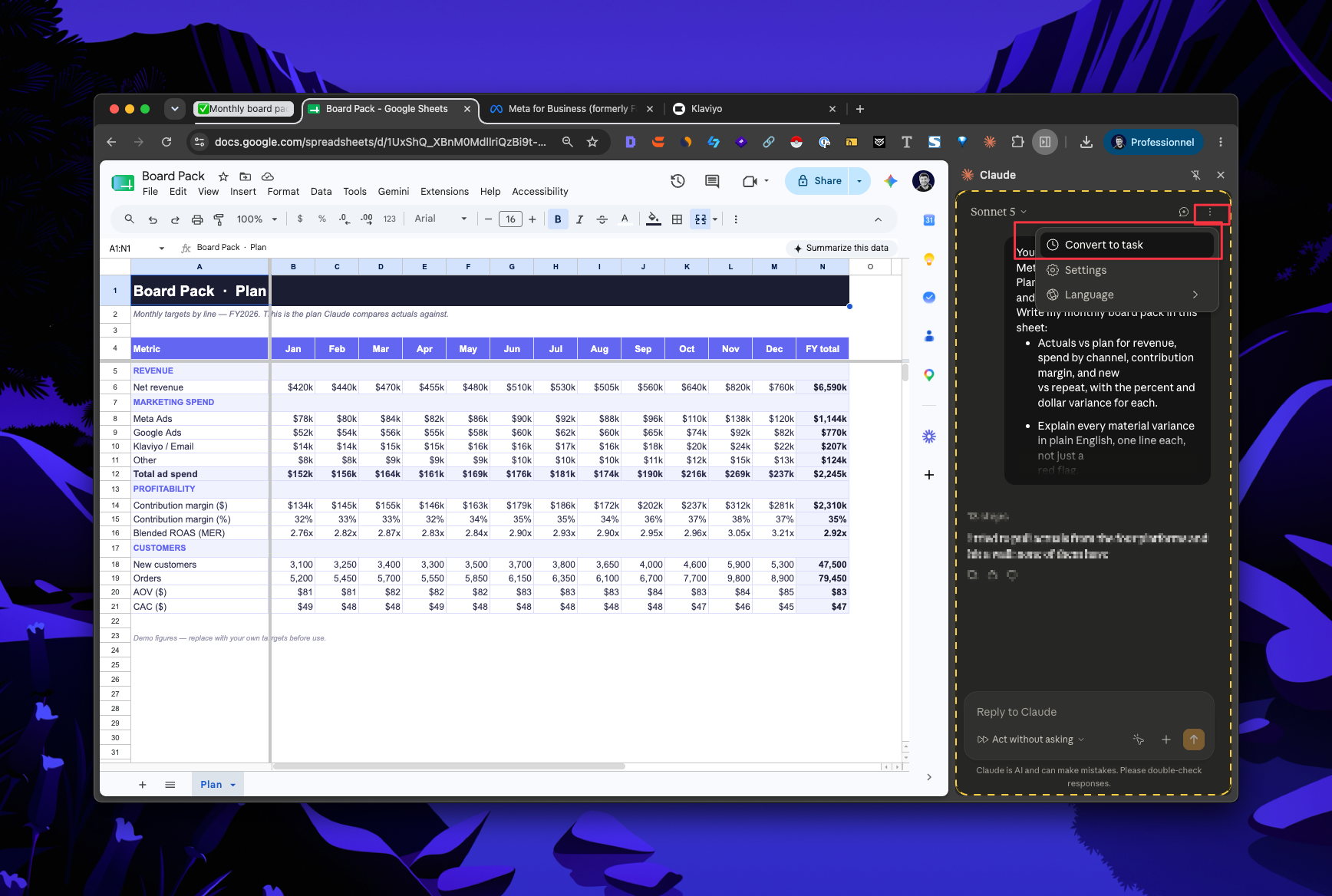
A weekly performance report that lives in a Google Sheet and refreshes on its own every Monday: revenue, orders, spend by channel, blended CAC, new vs repeat, week over week, with a plain-English "what changed" summary and anything that moved more than 10 percent flagged.
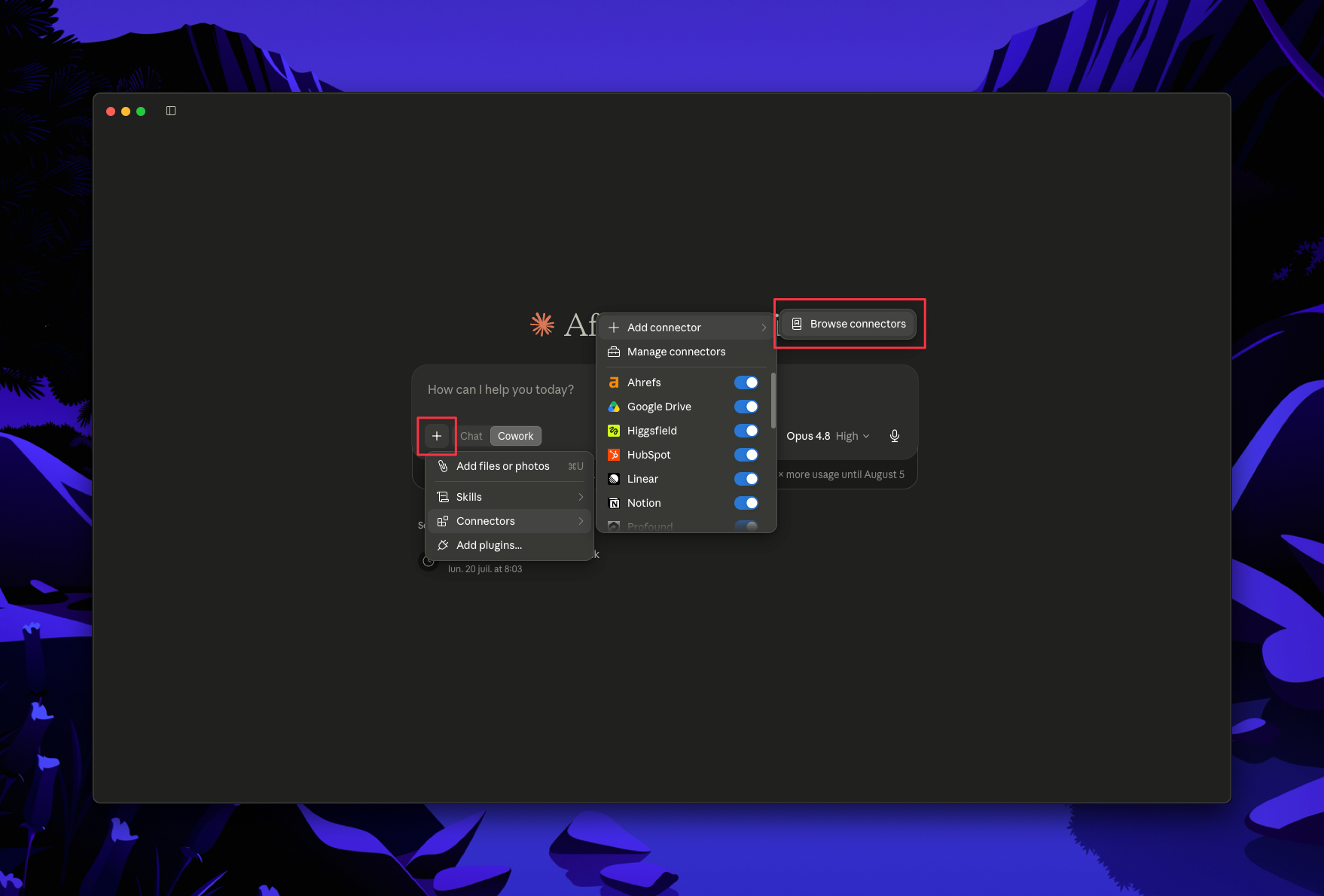
In Claude, open Connectors and enable each source, then authenticate: Shopify, Klaviyo, Meta Ads, Google Ads, and Google Drive (so Claude can write into your sheet).
All four data sources have MCP connectors today, so Claude reads them directly. No CSV exports.
Have a channel without a native connector yet (TikTok Shop, Amazon, your 3PL)? You have three options:
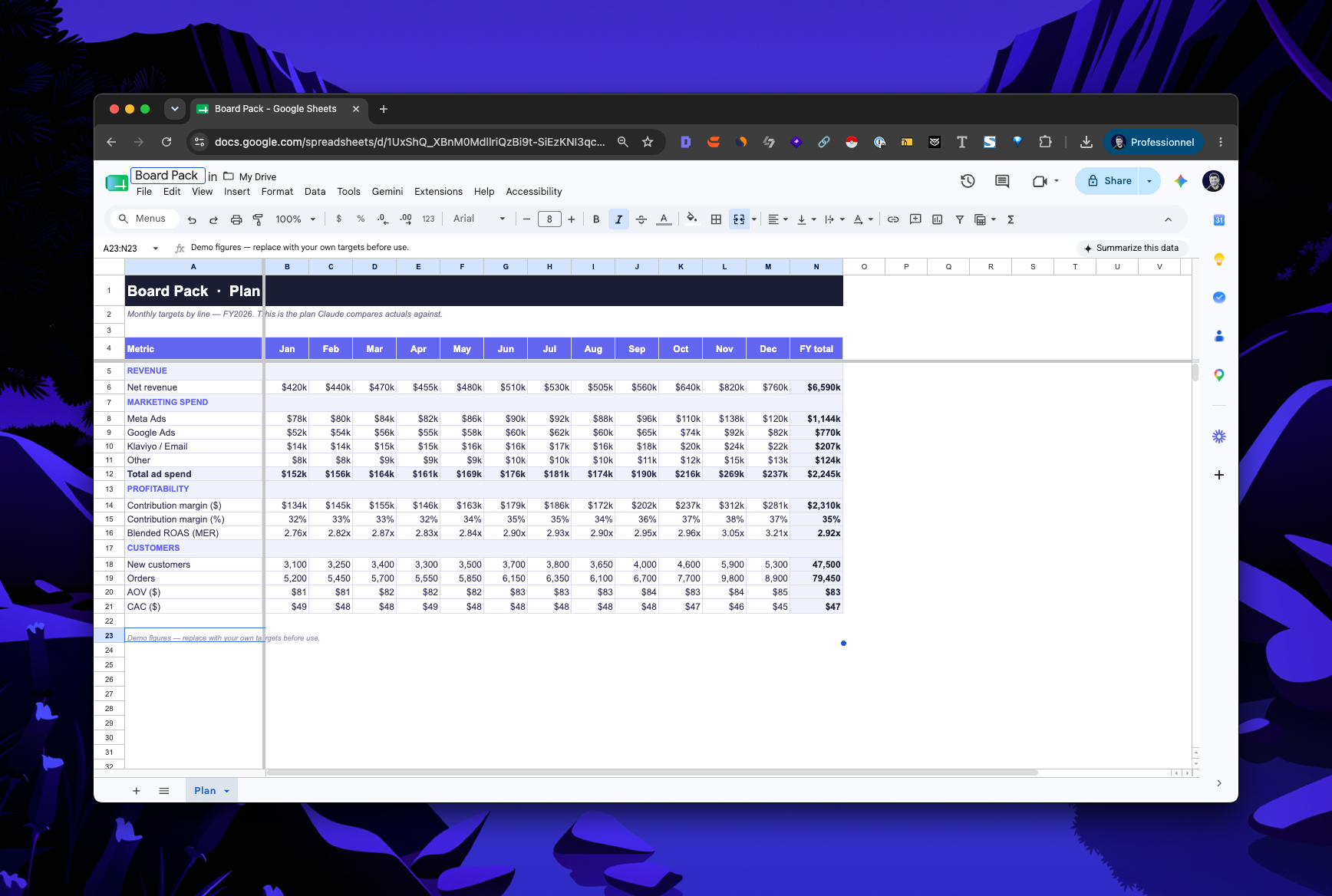
Open your "Weekly Report" sheet, then give Claude this prompt:
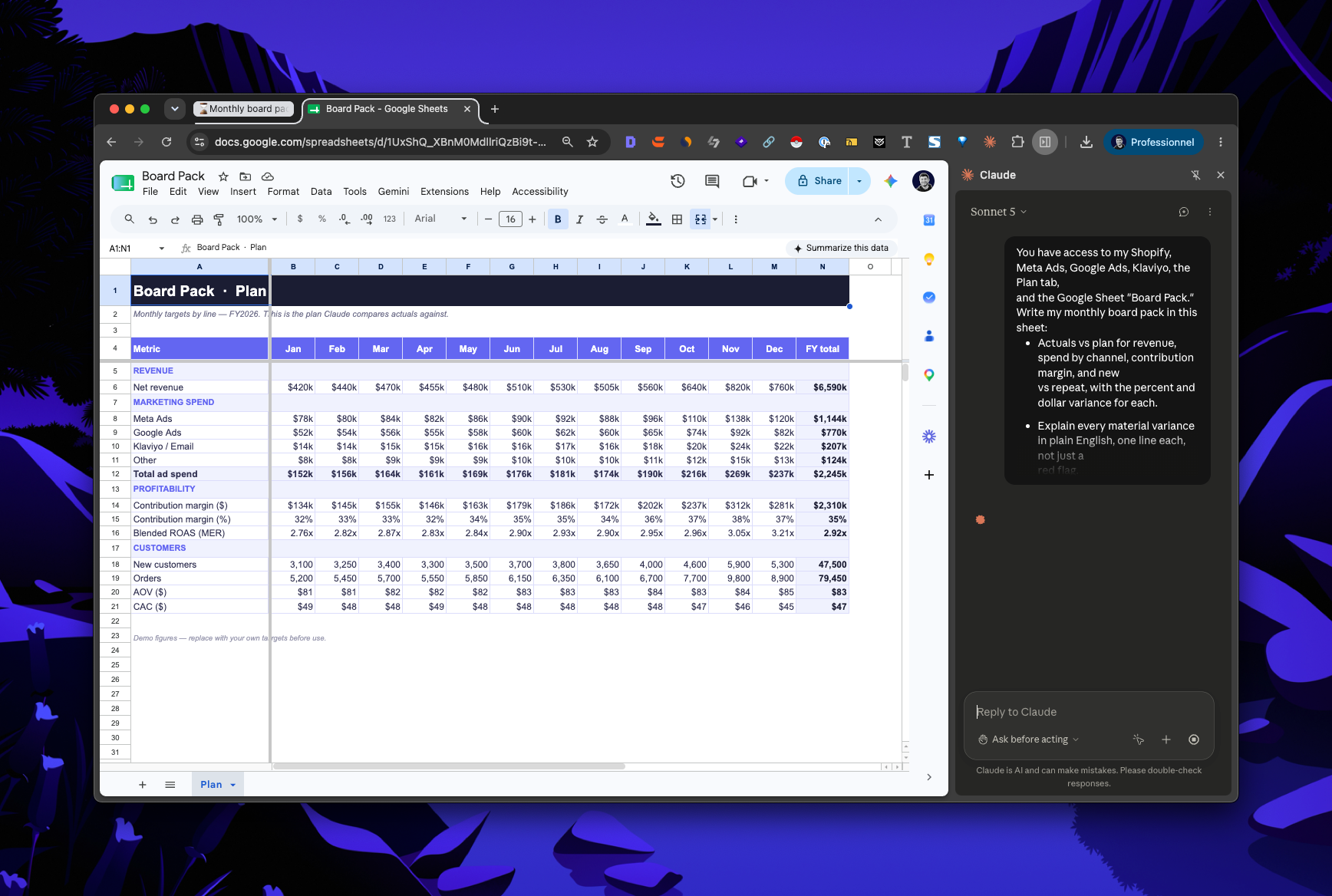
You have access to my Shopify, Meta Ads, Google Ads, Klaviyo, and the Google Sheet titled "Weekly Report." Build a weekly performance report in that sheet. Show this week vs last week with percent change for:
- Net revenue (Shopify)
- Orders (Shopify)
- New vs returning revenue (Shopify)
- Ad spend by channel (Meta, Google)
- Blended CAC (total ad spend divided by new customers)
- Email and SMS revenue (Klaviyo)
Add a summary line at the top in plain English describing what changed, and flag any metric that moved more than 10 percent. Use live formulas where you can, and label the date range.
Claude reads your live numbers and writes the whole report into the sheet, formulas and all.
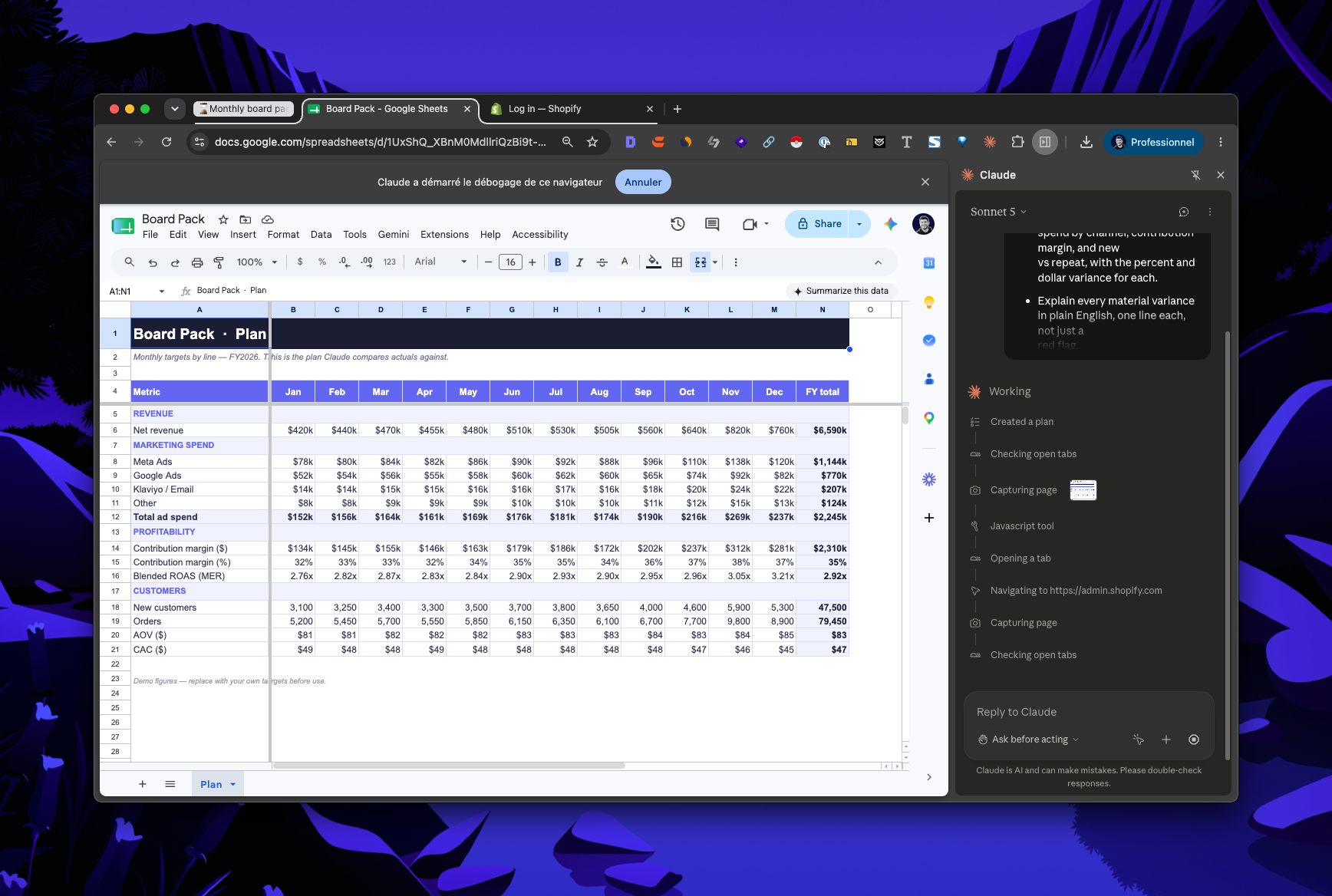
Open the sheet and check the numbers against something you already trust. When it looks right, save the prompt. Next week is a paste, not a rebuild.
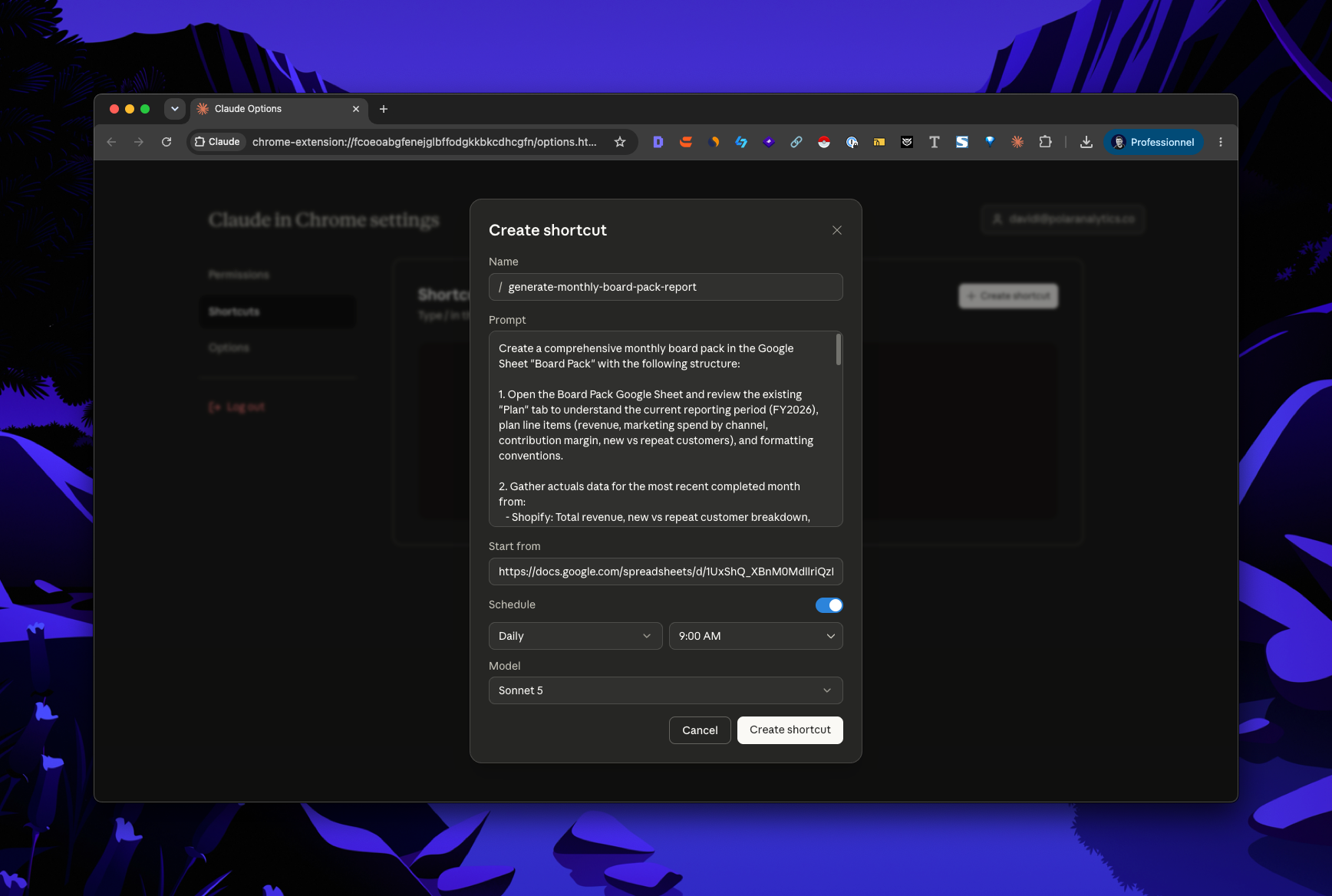
In Claude Cowork, save that prompt as a recurring scheduled task:
That's the whole thing. The report now builds itself before you're in.
Optional — but for a board pack, this is the part that decides whether the room trusts it.
Run the version above and Claude is joining six tools that each count revenue, spend, and “new vs repeat” a little differently. It works, right up until someone finds two different net-sales numbers and stops trusting the whole pack.
Polar removes that risk: it consolidates the whole business into one governed source, each metric defined once, and hands Claude a single clean feed.
Enable the Polar MCP and swap Step 3’s data sources for:
With Polar you can also rebuild the pack under any of its 10 attribution models if the board wants the picture a different way.
